Raycast - the first app I install on every Mac
Why Raycast is a must-have app for me — features, extensions, and how I use it.February 18, 2026 (6mo ago)Raycast replaces Spotlight and a dozen other utilities behind a single CMD+Space hotkey — app launcher, clipboard manager, window manager, snippets, calculator, and more. All free.
App Launcher
Fuzzy search with frecency ranking. Type a few letters, hit Enter — faster than Spotlight, and it learns your habits.
Clipboard History
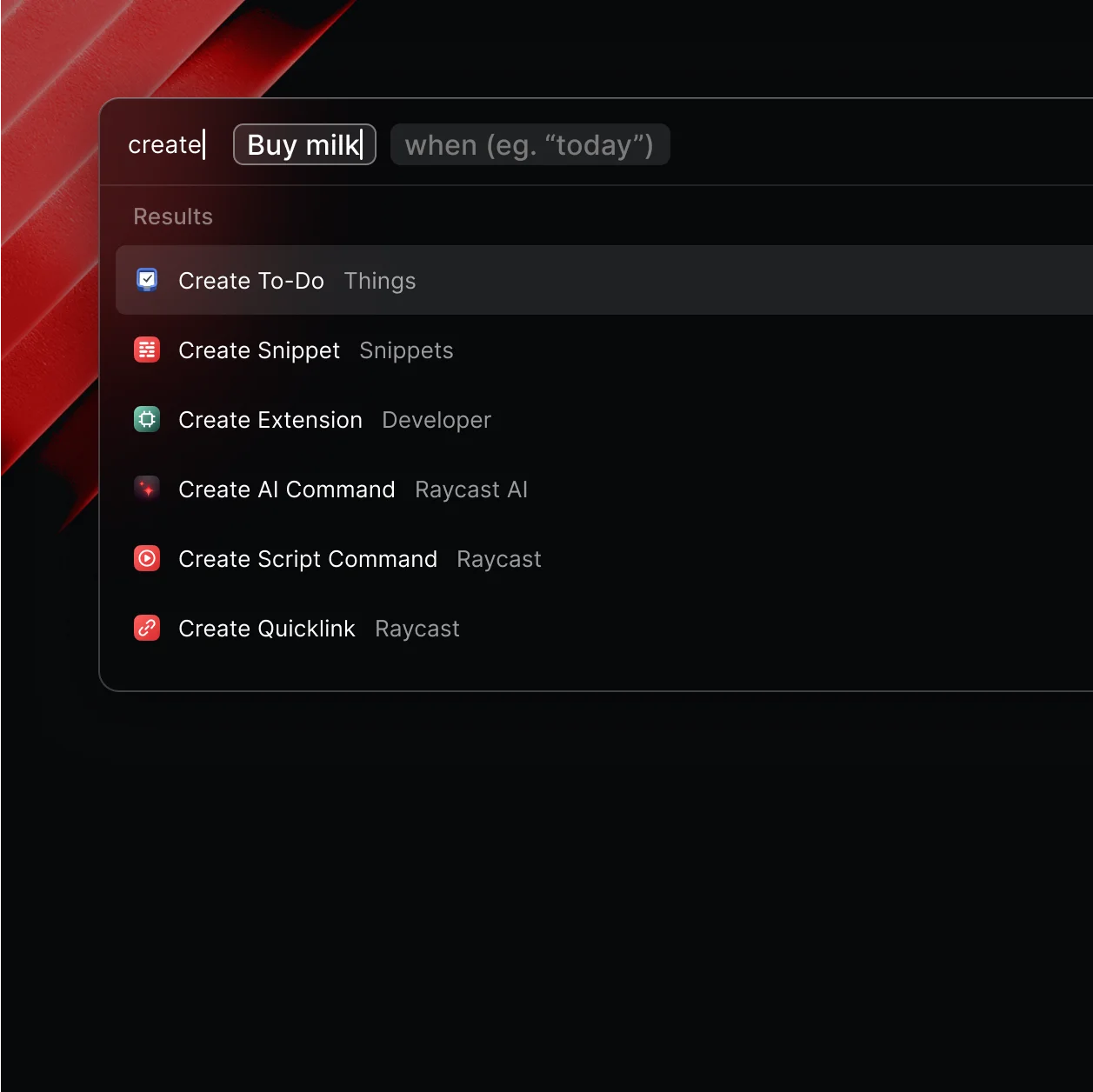
One of the best built-in features. By default, macOS only holds one thing in your clipboard — with Raycast you get a seemingly unending history that even survives a restart. Text, images, colors, links — all searchable. If a screenshot or image contains text, you can search for that text too. Pin the most used items and reuse whenever you want. It may sound silly, but I use clipboard history multiple times a day.
Window Management
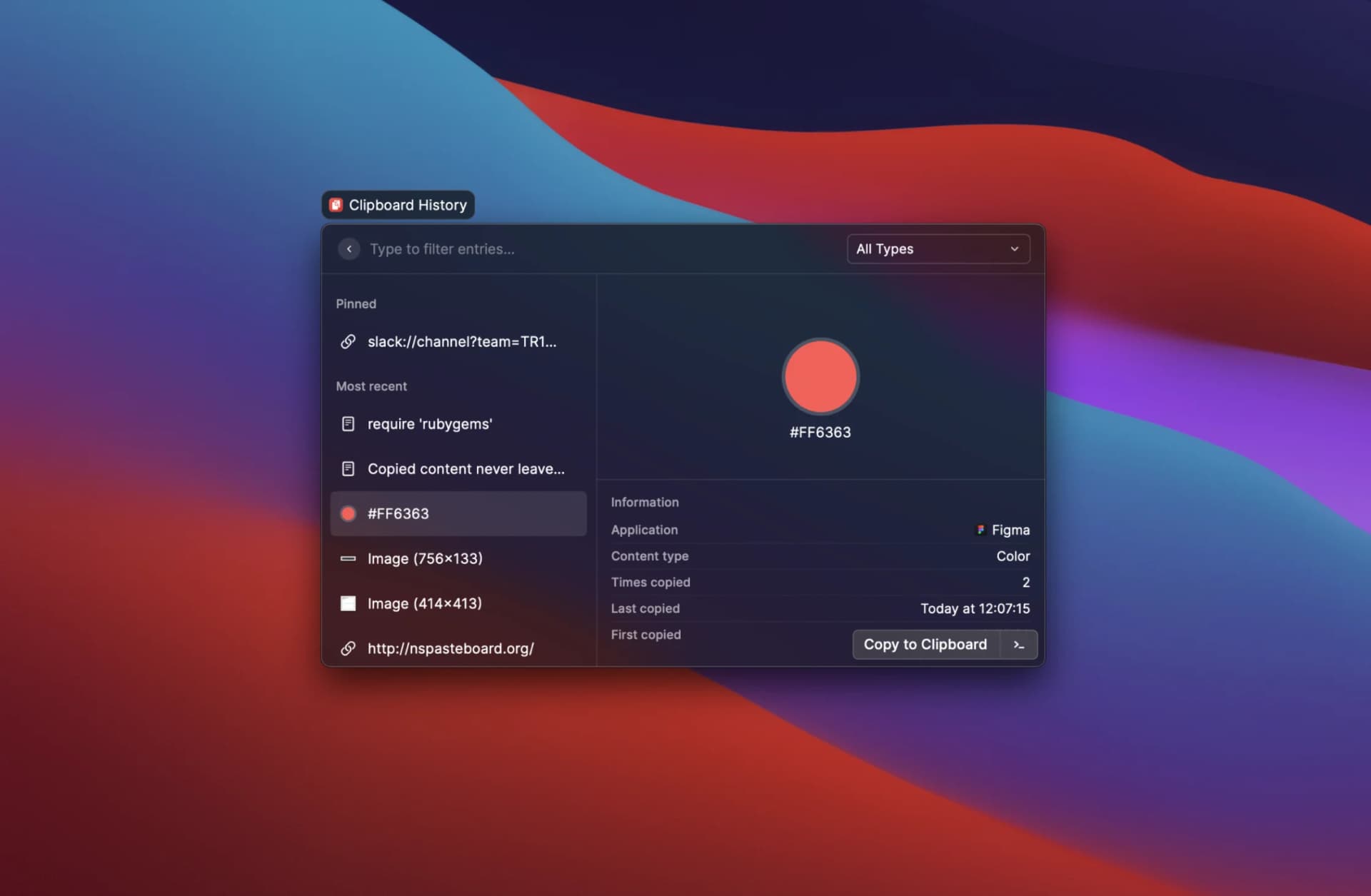
Snap windows to halves, thirds, quarters with custom hotkeys. I often work with two windows side by side — one left, one right. My shortcuts: Ctrl+Opt+← for left half, Ctrl+Opt+→ for right half, Ctrl+Opt+↑ for full screen. Replaces Rectangle, Magnet, and similar apps.
Snippets
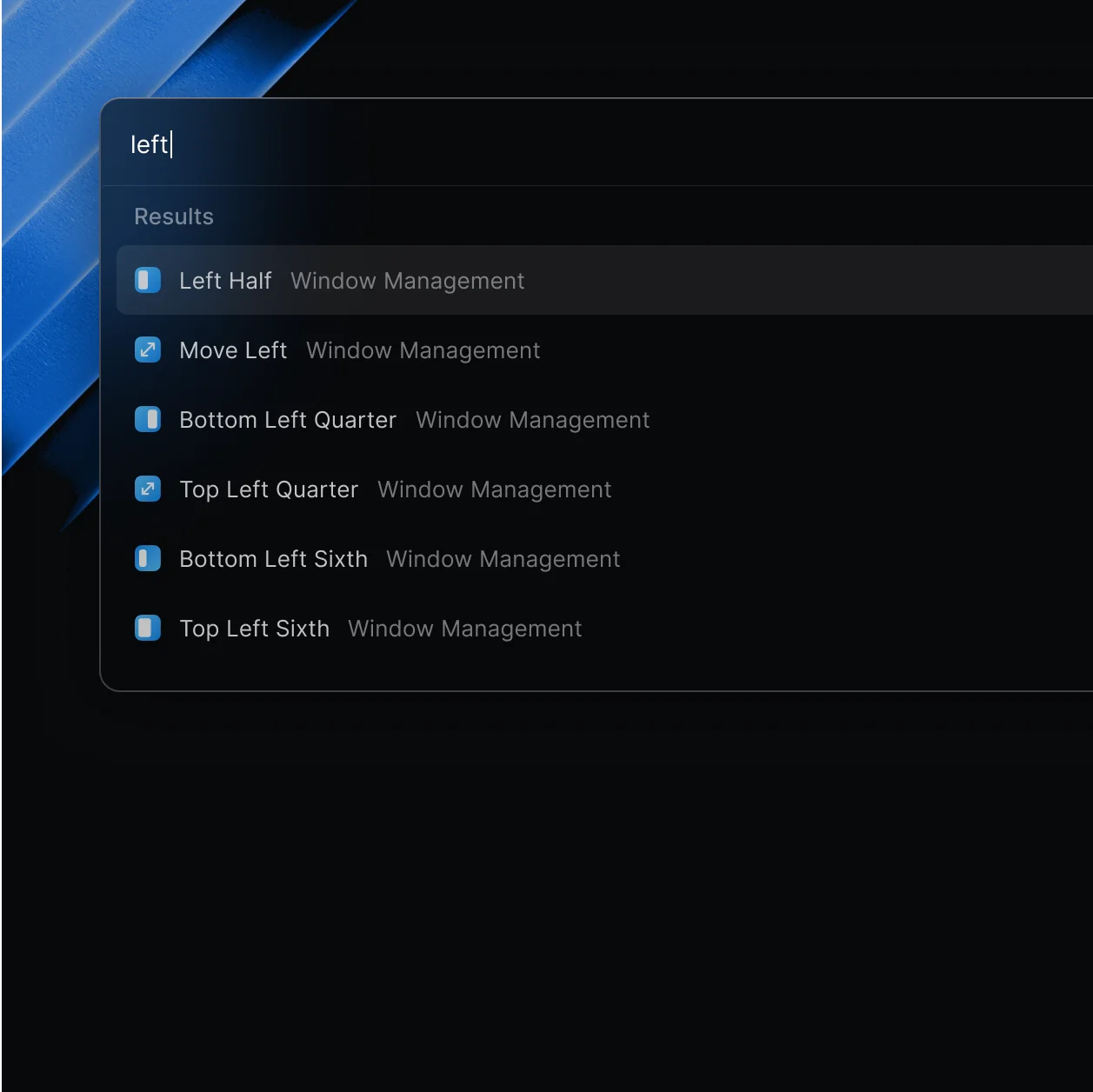
Text expansion with keywords. Type a short keyword, and it expands to a full text block. Supports dynamic placeholders like {cursor} to position your cursor after expansion — e.g. console.log({cursor}) places you right between the parentheses. Some of mine:
\mail→ nurs@asanov.dev\li→ https://www.linkedin.com/in/nursultan-asanov/\raddr→ 3rd Floor, 1 Ashley Road, Altrincham, Cheshire, United Kingdom, WA14 2DTclg→ console.log()
Calculator & Unit Converter
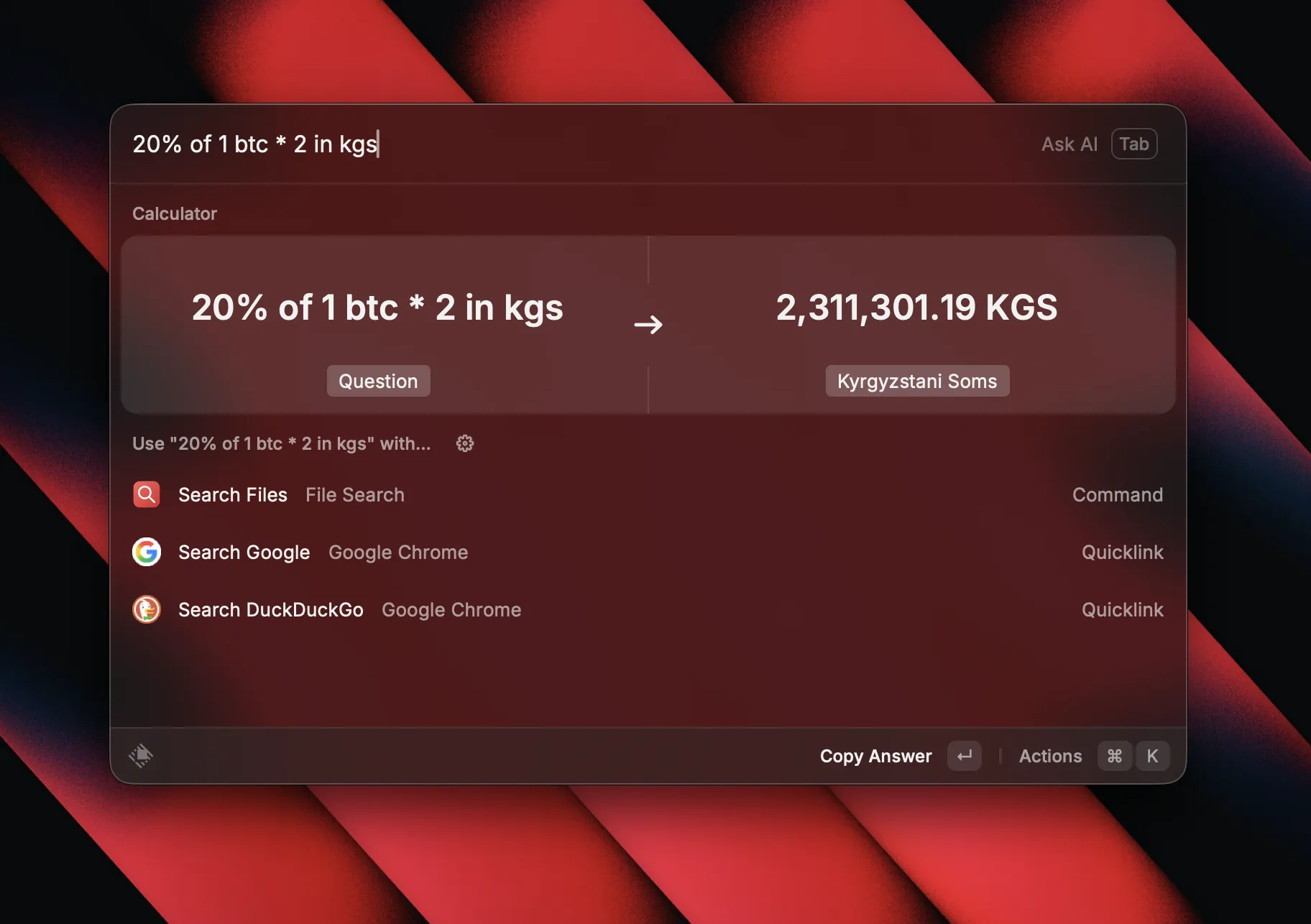
Inline math and unit conversions right in the launcher. Press Enter to copy the result to clipboard.
150 usd to kgs→ currency conversion5ft in cm→ 152.4 cm23% of 5430→ 1,248.9time in Bishkek→ world clockdays until 31st of july→ date countdown
File Search
Instant file search with inline preview. Faster than Finder search and shows file contents without opening them.
Floating Notes
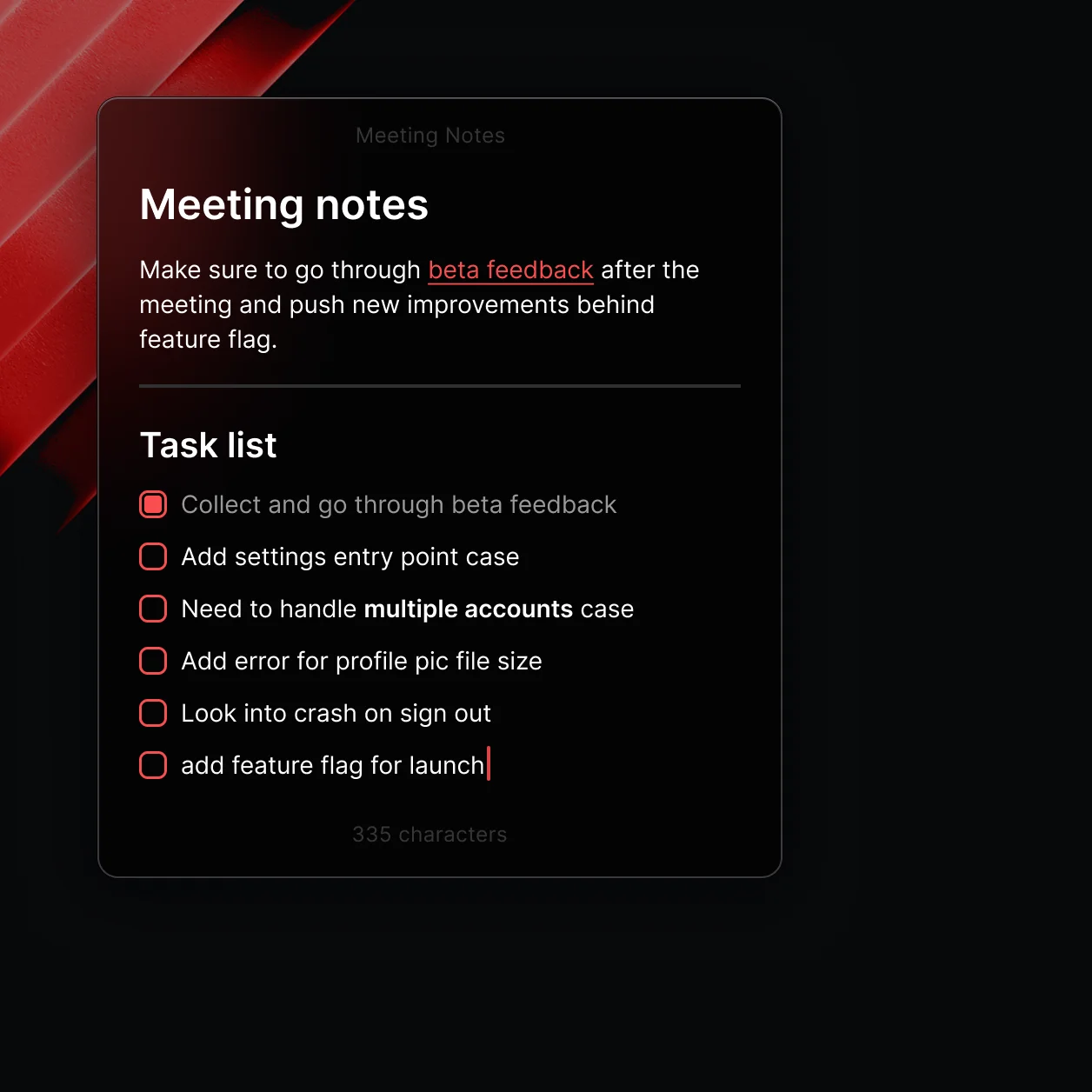
Quick notes that float on top of all windows. Supports markdown, checklists, and character counts. Free plan limits you to 5 notes — enough for me, bigger and detailed notes go in Notion.
Quicklinks
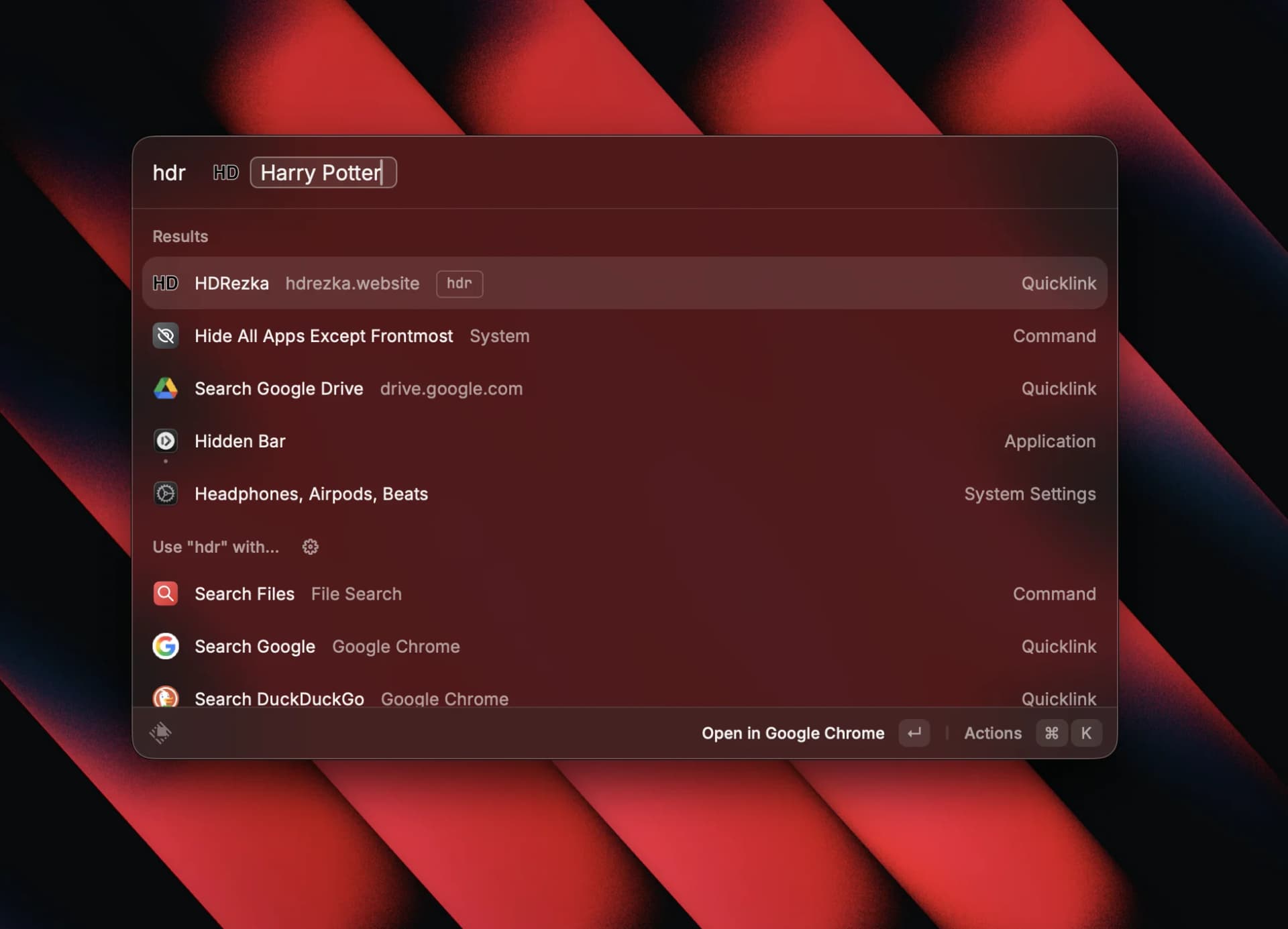
Custom URL shortcuts with parameters. Type "gh {query}" to jump straight to a GitHub repo, or "jira {ticket}" to open a Jira issue. Some of mine:
g→ Google searchhdr→ HDRezka searchyou→ YouTube search
Script Commands
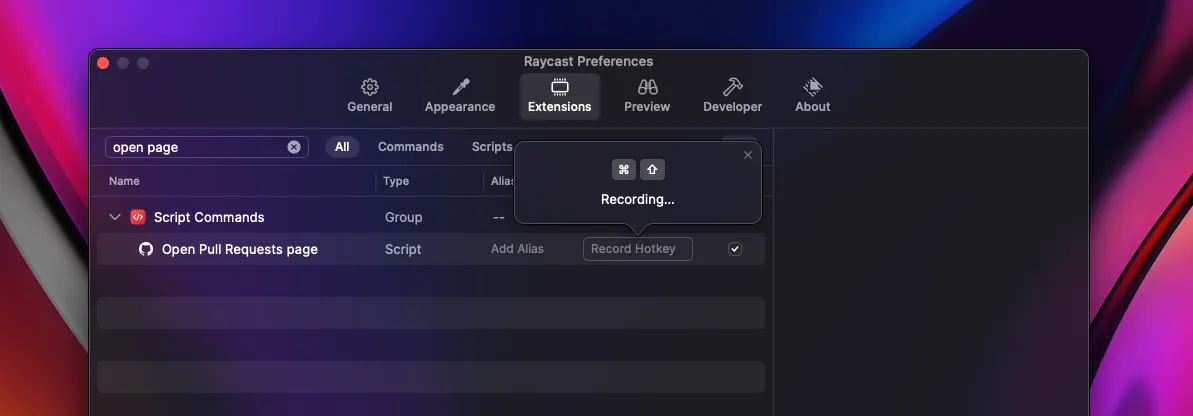
If you find yourself doing the same actions repeatedly, scripting in Raycast can help automate them, reducing friction and saving time. Navigate to Extensions > Create Script Command, write a simple script in Bash, Python, or Node.js, and assign a keyword or shortcut to trigger it instantly. Step-by-step guide
Search Screenshots
Search within your screenshots by text content — Raycast OCRs them so you can find any screenshot by what's written on it. Not a full system search, it's a dedicated command you invoke from the launcher.
Extensions
Free extensions from the Raycast Store I use daily.
- Brew — Search & install Homebrew packages
- GitHub — Quick repo access, PRs, issues
- 1Password — Search and copy passwords
- Spotify Controls — Play/pause/skip from launcher
- Color Picker — Pick colors from screen
- Kill Process — Force-quit apps
- Google Translate — Quick translations
- System Monitor — CPU/RAM/disk stats
- Coffee — Prevent sleep from the launcher — using this instead of caffeinate in terminal
- Tailwind CSS — Search Tailwind classes and docs
Tips & Tricks
- Copy everything to clipboard. Images, colors, links, code — copy it all. Raycast keeps your full clipboard history, so you can pull up anything you've copied days later. No need to save files "just in case" — your clipboard has it.
- Pin apps for instant access. Pin your most-used apps in Raycast and open them with CMD+1, CMD+2, CMD+3, etc. Faster than any dock or app switcher.
- Set up a Hyper Key. Remap Caps Lock or Ctrl+Shift+Option+Cmd to (the "Hyper Key") and use it as a modifier for Raycast commands — launch AI, open specific apps, trigger scripts. One key unlocks dozens of shortcuts without conflicts. To customize, go to Settings → Advanced → Hyper Key. Video guide
Learn More
Raycast has a great YouTube channel where Pedro shares tips and ways to get the most out of the app.
- Extension Picks — curated extension recommendations
- What's in __'s Raycast — real users (not only developers) showcase their setups
- Quick Tips — Pedro's productivity tips for Raycast
Even if you never touch extensions, snippets, or window management — just using Raycast as a launcher, calculator, and clipboard history alone is already a massive upgrade over the default macOS experience.